
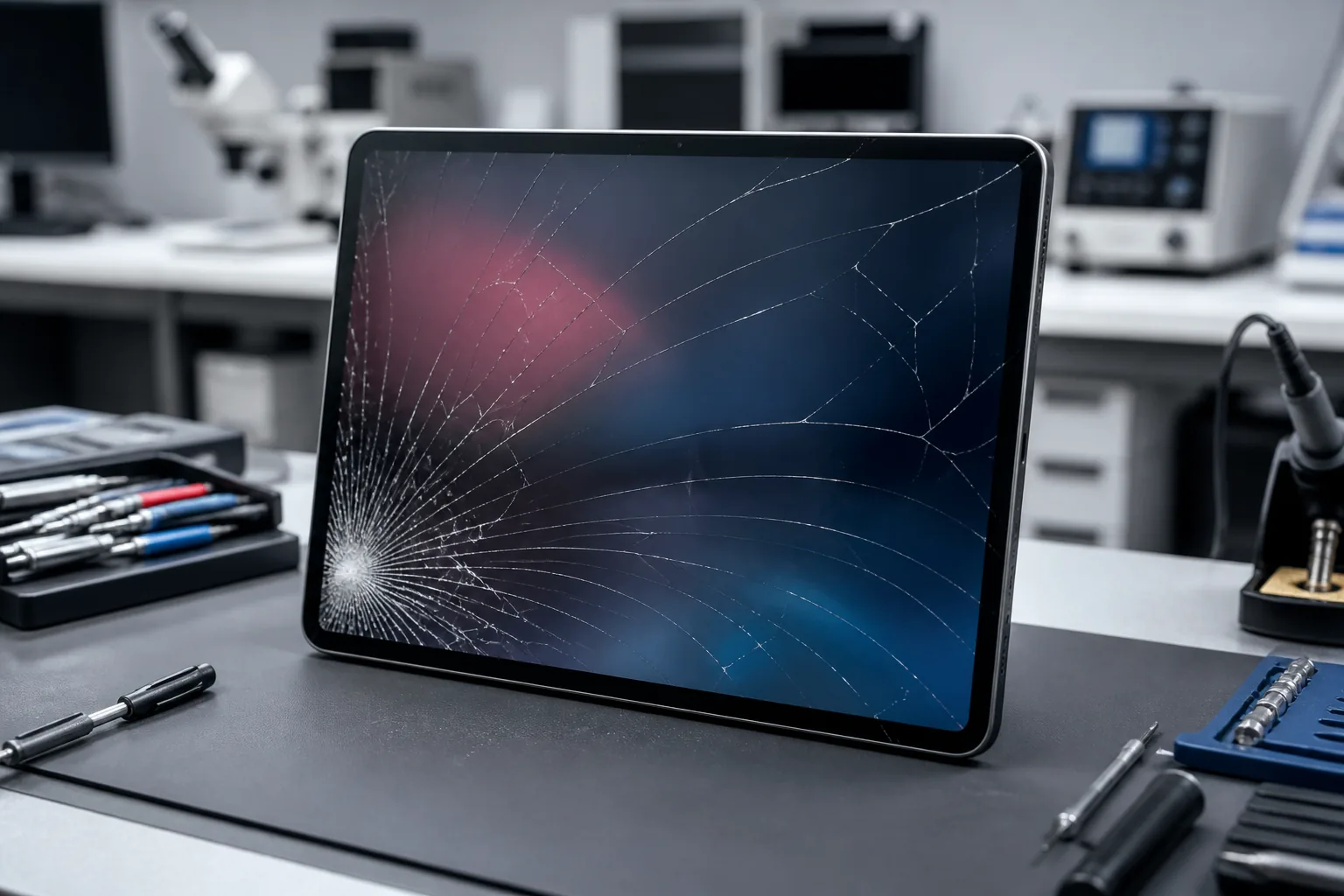
A cracked iPad screen can range from a small corner fracture to a completely shattered display that no longer responds to touch. Sometimes the iPad still works perfectly beneath the broken glass. In other cases, the impact damages the touchscreen, LCD or OLED display, frame, or even internal components.
That difference matters because not every cracked iPad needs the same repair.
If you recently dropped your iPad and are wondering whether the screen can be repaired, how much the repair may cost, or whether fixing it makes sense compared with replacing the device, this guide explains what to look for and what to expect.
Profix Cell provides professional iPad repair in Toronto iPad repair in Toronto for cracked screens, touch problems, charging issues, battery problems, water damage, and other common iPad problems.
Is a Cracked iPad Screen Just Cosmetic Damage?
Not necessarily.
A hairline crack in the outer glass may initially appear cosmetic, especially if the picture looks normal and touch still works across the entire screen. However, the front of an iPad is part of a layered display system, and the force that cracked the glass may also affect components underneath it.
Depending on the model and severity of the impact, screen damage can involve:
- Cracked outer glass
- Damaged touchscreen functionality
- LCD or OLED display damage
- Black spots or coloured lines
- Flickering
- Dead areas of the touchscreen
- Frame bending
- Front camera or sensor issues
- Internal connector damage
- Battery damage after a severe impact
Apple’s current repair manuals include specific procedures for broken-glass safety and display replacement, reinforcing that cracked glass should be treated as more than a purely cosmetic issue.
Common Signs Your iPad Screen Needs Repair
Some signs are obvious. Others may develop after the initial drop.
| What You Notice | What It May Indicate |
|---|---|
| Hairline crack but normal picture | Damage may be limited mainly to the outer glass |
| Touch does not work in certain areas | Touchscreen layer or display assembly may be damaged |
| Coloured vertical or horizontal lines | Internal display damage |
| Black spots or ink-like patches | LCD or OLED panel damage |
| Screen flickers after the drop | Display or internal connection problem |
| Screen is completely black | Display, connector, power, or internal hardware damage |
| Glass is lifting from the frame | Frame damage, poor adhesion, or possible battery swelling |
| iPad looks bent | Frame and internal components may have been affected |
| Touch activates by itself | Damaged touchscreen functionality |
| Sharp or loose glass fragments | Screen should be repaired before continued use |
If your iPad display still works but the glass is broken, repairing it before the crack becomes worse can make the device safer and easier to use.
For damage involving the screen specifically, Profix offers iPad screen repair iPad screen repair with diagnosis before the appropriate repair is recommended.
What Is Actually Broken When an iPad Screen Cracks?
People often use the terms “glass,” “screen,” “LCD,” and “display” interchangeably, but they do not always refer to the same component.
Understanding the difference helps explain why two cracked iPads can have very different repair costs.
Outer Glass
The outer glass is the surface you physically touch.
If it cracks but the image remains perfect and touch works everywhere, the underlying display may still be functional.
Touchscreen Layer
The touchscreen detects your fingers and Apple Pencil input.
Damage can cause:
- Areas that do not respond
- Delayed touch response
- Ghost touches
- Incorrect input
- Complete loss of touch functionality
LCD or OLED Display
The display produces the actual picture.
Damage here may cause:
- Lines across the screen
- Black areas
- Discolouration
- Flickering
- No picture
- Bright or dark patches
Different iPad models use different screen constructions. On some models, several components are integrated into the display assembly, while repair procedures differ on other models. Apple’s current repair manuals, for example, list the iPad (A16) procedure as “Cover Glass and Display,” while several current iPad Air and iPad Pro models use a display replacement procedure.
This is one reason the exact iPad model matters when estimating repair cost.
Can You Keep Using an iPad With a Cracked Screen?
An iPad may continue working after the glass cracks, but continuing to use it is not always a good idea.
Minor cracks can spread because of:
- Pressure from your fingers
- Carrying the iPad in a backpack
- Temperature changes
- Flexing of the device
- Another small drop
- Removing or installing a tight case
A crack that initially stays near one corner can eventually travel across the display.
There is also the risk of sharp glass. Once pieces begin lifting or separating, your fingers can come into contact with broken edges during normal swiping and typing.
Stop Using the iPad Immediately If:
- Glass pieces are falling out
- The display is separating from the frame
- The iPad becomes unusually hot
- The device appears swollen
- The screen has large black areas
- The iPad is severely bent
- You hear unusual sounds from inside
- The device was also exposed to liquid
Do not press a raised display back into the frame. Separation can sometimes be caused by a swollen battery, which requires professional attention.
What Should You Do Right After Cracking an iPad Screen?
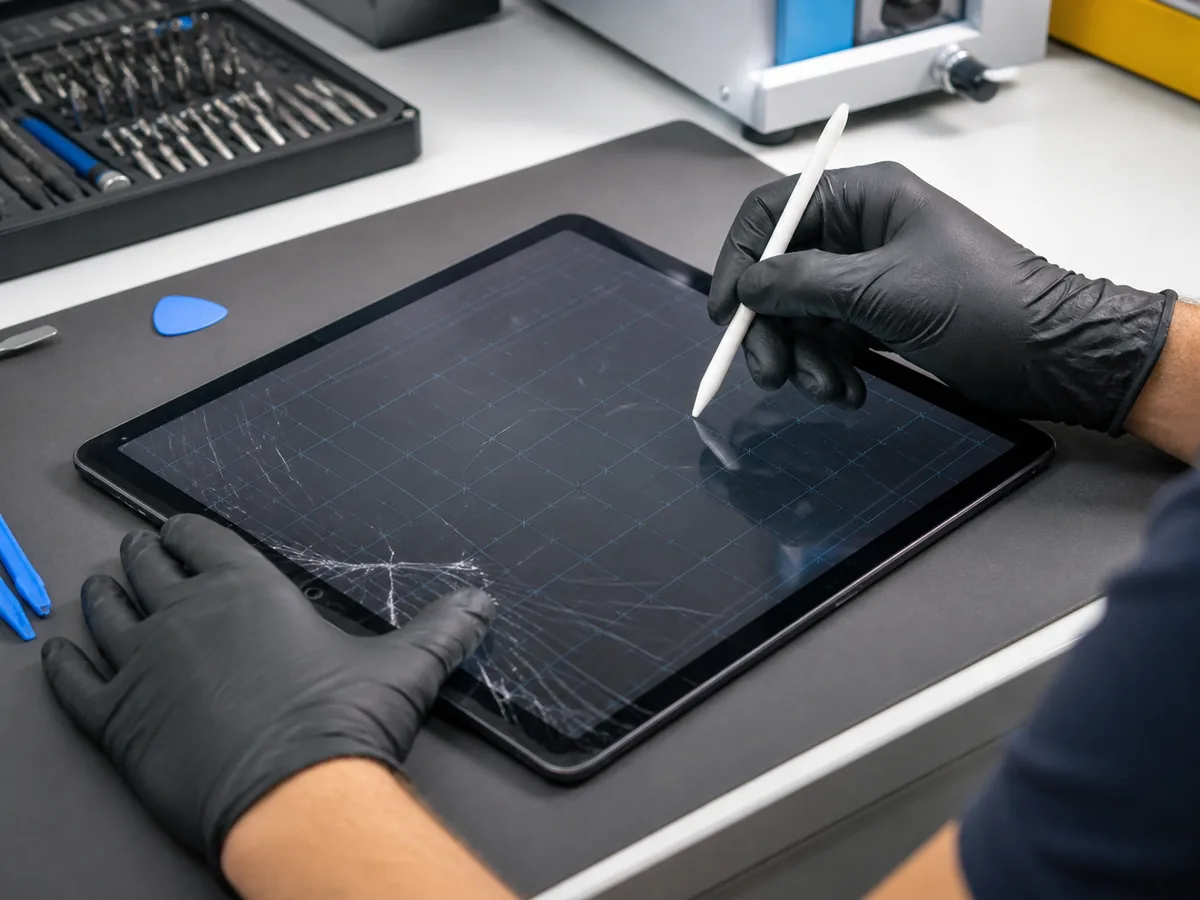
A few precautions can help prevent further damage.
1. Check the Severity of the Damage
Inspect the iPad without running your fingers across the broken glass.
Look for:
- Loose glass
- Frame bending
- Screen separation
- Black spots
- Lines
- Flickering
- Camera damage
2. Test the Touchscreen Carefully
Open a few apps and check whether touch works throughout the display.
Try:
- Typing across the keyboard
- Swiping around the screen
- Opening icons in different areas
- Drawing across the screen in a suitable app
If certain areas do not respond, the damage likely extends beyond a simple cosmetic crack.
3. Check the Display
Look for:
- Colour changes
- Lines
- Black patches
- Flickering
- Bright spots
Display abnormalities usually indicate damage beneath the outer glass.
4. Back Up Important Data
If the iPad is still working, back it up before repair.
You can use iCloud or connect it to a computer, depending on your setup.
Even when a repair appears straightforward, backing up important files is always sensible after a hard impact.
5. Protect the Damaged Screen
A case with a front cover may reduce direct contact with the broken glass until repair.
Do not apply excessive pressure to the screen or tightly wrap the device.
What Not to Do With a Cracked iPad
Some temporary fixes can make professional repair more difficult or create additional damage.
Avoid:
- Pulling loose glass away
- Pressing cracked pieces back into place
- Using super glue
- Applying liquid adhesive around cracks
- Scraping the damaged glass
- Heating the screen yourself
- Taking the iPad apart without the appropriate experience
- Continuing to use the device if it is swollen
- Exposing the damaged device to water
Clear tape is sometimes used temporarily to contain loose fragments during transportation, but it is not a repair.
What Are the Main iPad Screen Repair Options?
The correct option depends on the iPad model and which parts of the display system are damaged.
Option 1: Screen or Glass Repair
If the visible damage is primarily associated with the front glass and the rest of the device is functioning properly, the repair may focus on the damaged screen components appropriate for that model.
A technician first needs to confirm that:
- The picture works normally
- Touch functions correctly
- The frame is not severely bent
- Internal components were not affected
Option 2: Display Assembly Replacement
If the internal display is damaged, a more complete display replacement may be required.
This is more likely when you see:
- Black spots
- Lines
- Flickering
- No image
- Severe touchscreen failure
- Major impact damage
Current Apple repair documentation reflects that display service procedures vary across different iPad models.
Option 3: Screen Repair Plus Frame Work
A cracked screen can sometimes be accompanied by a dented or bent frame.
This matters because the new screen must sit correctly in the housing.
A damaged frame may:
- Prevent proper screen alignment
- Put pressure on the replacement display
- Create gaps around the edges
- Increase the risk of future cracking
The technician should inspect the frame before installing the replacement screen.
Option 4: Additional Internal Repair
A hard drop can damage more than the display.
Additional diagnosis may be needed if the iPad:
- Will not turn on
- Will not charge
- Restarts repeatedly
- Gets unusually hot
- Has battery problems
- Lost camera functionality
- Has audio problems
Profix also diagnoses iPads that experience power problems following damage. iPad no-power repair
How Much Does iPad Screen Repair Cost?
There is no single price that applies to every cracked iPad.
The cost depends heavily on the exact model and the type of damage.
Apple similarly requires users to select their specific iPad model when requesting an estimate and notes that a device inspection is needed to determine the final service cost.
The Biggest iPad Screen Repair Cost Factors
| Cost Factor | Why It Matters |
|---|---|
| iPad model | Different generations use different screens, sizes, technologies, and repair procedures |
| Type of display | Standard iPad, iPad mini, iPad Air, and iPad Pro screens can differ considerably |
| Extent of damage | A surface crack differs from internal display damage |
| Touch functionality | Touch-related damage can affect the required repair |
| Frame condition | A bent or damaged housing may require additional work |
| Parts required | Screen assemblies and replacement components vary by model |
| Additional damage | Battery, camera, charging, or internal damage can increase repair scope |
| Coverage | AppleCare or other applicable coverage may change your service cost |
| Repair provider | Service pricing and repair options differ between providers |
Why the Exact iPad Model Matters So Much
Two iPads can look similar while having completely different screens and repair requirements.
The iPad lineup includes:
- Standard iPad
- iPad mini
- iPad Air
- iPad Pro
Within those families are multiple generations, screen sizes, processors, and display technologies.
Profix’s current iPad repair service covers a broad range of models, including current iPad Pro, iPad Air, standard iPad, and iPad mini devices.
Before requesting a repair quote, identify the exact model if possible.
You can usually find the model information in:
Settings > General > About
If the screen is too damaged to navigate Settings, the model number may also be available on the device or associated with your Apple Account.
Does AppleCare Cover a Cracked iPad Screen?
Coverage depends on the plan attached to your device.
Apple’s standard warranty generally does not cover accidental damage. Apple’s Canadian iPad repair information states that accidental damage is covered under applicable AppleCare plans, subject to the plan’s service terms and fees.
Before choosing a repair option, check whether your iPad has active coverage.
Apple allows customers to check warranty and AppleCare status through its support system.
If you do not have applicable accidental-damage coverage, compare the available repair options based on:
- Repair cost
- iPad age
- Device condition
- Storage capacity
- Battery health
- Current performance
- Cost of replacing the iPad
Is It Worth Repairing a Cracked iPad Screen?
In many cases, yes.
Repair can make sense when:
- The iPad is relatively recent
- It still performs well
- The battery is healthy
- The damage is limited mainly to the screen
- The replacement cost is substantially higher
- You rely on the device for work or school
- You want to preserve your data and current setup
Replacing the entire device may make more sense when:
- The iPad is very old
- The battery is heavily degraded
- The frame is badly damaged
- Multiple components have failed
- The repair approaches the value of the device
- You were already planning to upgrade
The decision should be based on the complete condition of the iPad rather than the cracked glass alone.
Can You Replace an iPad Screen Yourself?
Technically, repairs are possible for people with suitable electronics repair experience, tools, parts, and safety knowledge.
That does not make iPad screen replacement a simple DIY project.
Apple describes Self Service Repair as intended for people who have the knowledge and experience required to repair electronic devices.
Modern iPad screen work may involve:
- Heating adhesive
- Separating broken glass
- Handling delicate display cables
- Protecting the battery
- Removing adhesive correctly
- Preparing the frame
- Aligning the replacement display
- Reassembling the device without damaging internal components
Apple’s own current iPad repair manuals list specialized tools and a heated display removal fixture as part of certain display procedures.
For most users, professional repair is the lower-risk option.
What Happens During a Professional iPad Screen Repair?
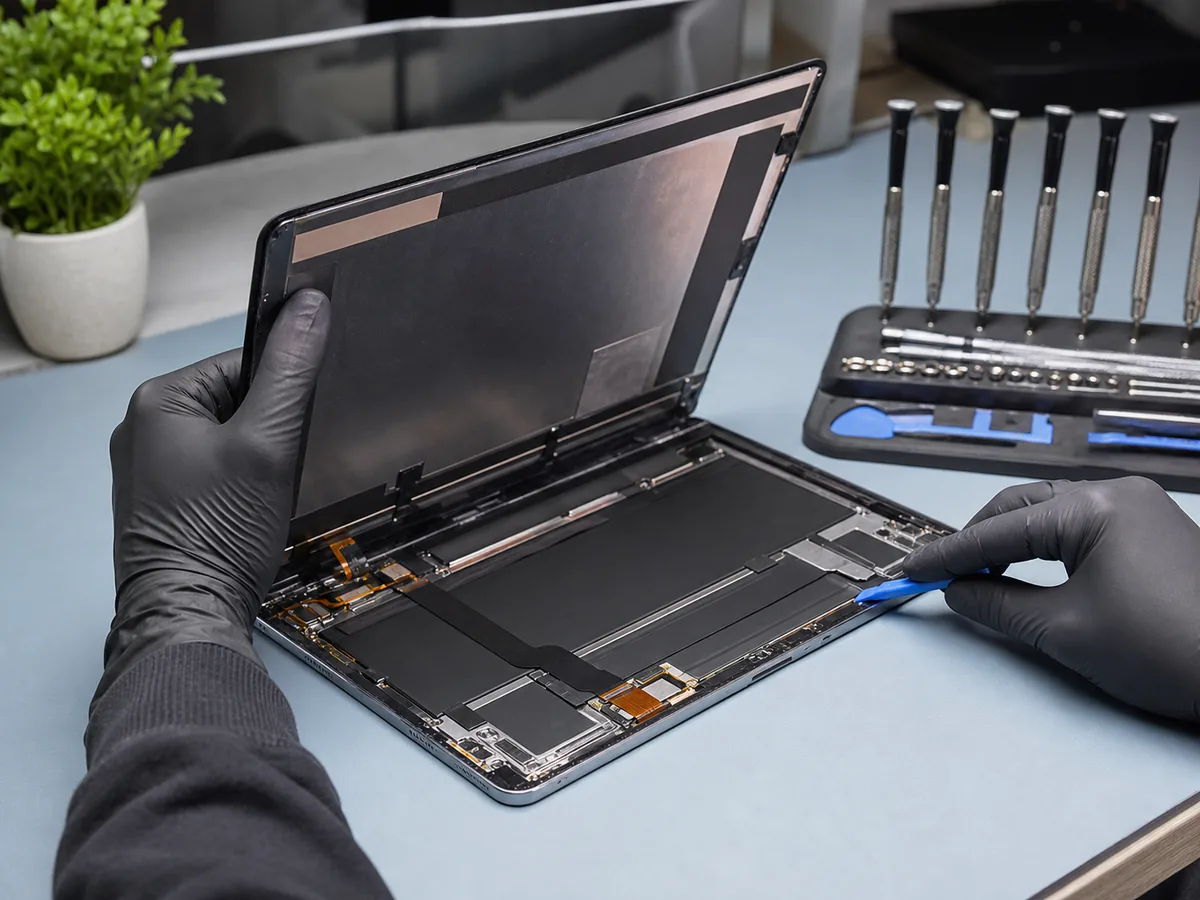
Knowing the process beforehand can make the repair less uncertain.
Step 1: Model Identification
The technician confirms the exact iPad model and generation.
This determines the correct parts and repair procedure.
Step 2: Damage Inspection
The iPad is examined for more than visible glass damage.
The technician may check:
- Screen condition
- Touch response
- Display quality
- Frame alignment
- Cameras
- Buttons
- Charging
- Battery behaviour
- Signs of liquid damage
- General device operation
Step 3: Repair Recommendation
After diagnosis, the technician can explain which component needs repair and provide an estimate.
This is important because replacing parts before diagnosing the complete problem can result in unnecessary work.
Step 4: Damaged Display Removal
The damaged screen is carefully separated from the housing using appropriate repair procedures and equipment.
Extra care is necessary when the glass is heavily shattered.
Step 5: Frame Preparation
Old adhesive and debris are removed so the replacement component can sit correctly.
If the frame is damaged, that issue needs to be addressed before the screen is secured.
Step 6: Replacement Installation
The replacement screen or required display component is installed and aligned.
Step 7: Testing
The iPad should be tested before being returned.
Testing may include:
- Touch response
- Display quality
- Brightness
- Cameras
- Charging
- Buttons
- Speakers
- General operation
Profix states that its iPad screen repair process includes a detailed diagnosis before replacement and testing.
How Long Does iPad Screen Repair Take?
Repair time depends on:
- The model
- Part availability
- Severity of damage
- Whether the frame is bent
- Whether additional problems are discovered
- The type of repair required
A straightforward screen repair may be completed faster than a device requiring frame correction or internal diagnosis.
Profix notes that it aims to complete many repairs quickly, while more complex repairs can require additional time.
It is better to receive an accurate repair than to choose a service based only on the fastest advertised turnaround time.
Will Your Data Be Deleted During Screen Repair?
A normal screen replacement does not inherently require deleting everything stored on the iPad.
However, you should still back up important data before any repair whenever possible.
Unexpected complications can occur after serious physical damage, particularly when the impact affected internal components.
Before repair:
- Back up the iPad.
- Make sure you know your Apple Account credentials.
- Confirm whether any device security settings need to be changed for service.
- Ask the repair provider what they require before dropping off the device.
For newer repair workflows, Apple also uses Parts & Service History and Repair Assistant with supported devices and components.
What If the Screen Is Cracked but Touch Still Works?
This is a common situation.
A working touchscreen is a positive sign, but it does not mean the crack should be ignored indefinitely.
Continuing to use the device can allow the crack to spread, and loose glass can eventually become uncomfortable or unsafe.
Have the iPad inspected while:
- The display still works
- Touch remains responsive
- The frame is still intact
- The device is easy to back up
Waiting until several parts fail does not make the repair simpler.
What If the Glass Is Fine but the Display Is Broken?
Impact damage does not always leave obvious external cracks.
You may have an intact glass surface but still see:
- Lines
- Black areas
- Flickering
- Distorted colours
- No picture
That usually points toward damage beneath the surface.
Apple recommends restarting an iPad, making sure the screen is clean and dry, disconnecting accessories, and removing cases or screen protectors when troubleshooting touch issues. If the screen continues to malfunction, service may be needed.
If the problem started immediately after a drop, physical display damage is more likely than a simple software issue.
Can a Cracked Screen Affect Apple Pencil Use?
Yes.
Apple Pencil input depends on the iPad’s touchscreen and display system.
After screen damage, you may notice:
- Missing strokes
- Lines that jump
- Areas where Pencil input does not register
- Inaccurate positioning
- Intermittent response
If you use the iPad for drawing, note-taking, school, or professional design work, test Apple Pencil functionality before and after repair.
How to Protect Your Replacement iPad Screen
Once the iPad has been repaired, a few precautions can reduce the chance of another cracked screen.
Use a Protective Case
Choose a case that covers the corners and provides a raised edge around the screen.
Consider a Screen Protector
A protector cannot prevent every cracked display, but it may reduce scratches and help with some lighter impacts.
Avoid Carrying the iPad Loose in a Bag
Books, laptops, chargers, and other heavy objects can place pressure on the screen.
Use a padded compartment whenever possible.
Do Not Leave the iPad on a Chair or Sofa
Larger devices are easy to overlook and can be damaged when someone sits down.
Keep It Away From Table Edges
A large percentage of cracked screens start with an ordinary fall from a desk, counter, or nightstand.
Use a Stable Stand
If the iPad is regularly used for work, recipes, video calls, or entertainment, a stable stand can reduce accidental drops.
Frequently Asked Questions About Cracked iPad Screens
Can a cracked iPad screen be repaired?
Yes. Many cracked iPad screens can be repaired. The correct repair depends on the exact model and whether the damage affects only the outer surface or also the touchscreen, display, frame, or internal components.
How much does it cost to fix an iPad screen?
There is no universal price. Cost depends on the iPad model, display type, severity of damage, required parts, frame condition, and whether additional components were damaged.
Is it cheaper to repair or replace an iPad?
Repair is often more economical when the iPad is relatively recent and the damage is limited to the screen. For an older device with several problems, replacement may make more financial sense.
Can I use an iPad with a cracked screen?
The iPad may continue working, but cracks can spread and broken glass can become sharp. Repair is recommended, particularly if pieces are loose or the touchscreen is affected.
Does a cracked screen mean the LCD is broken?
No. The outer glass can crack while the underlying display continues working normally. Lines, black patches, flickering, or missing picture usually indicate deeper display damage.
Why does my iPad screen work but not respond to touch?
The touchscreen system may have been damaged even though the display still produces an image. Restart the iPad and remove accessories or screen protectors first. If the issue began after physical damage and continues, the device should be inspected.
Can a bent iPad still get a screen replacement?
Possibly, but the frame must be evaluated first. A bent housing can prevent the new display from fitting properly and may put pressure on the replacement screen.
Should I repair a small iPad screen crack?
A small crack may remain usable, but it can grow with pressure or another impact. Repairing it before the damage spreads can prevent loose glass and further usability problems.
Do I need to back up my iPad before screen repair?
Yes, whenever possible. Screen repair normally focuses on hardware, but backing up important information protects you if the original impact caused an additional problem.
How long does iPad screen repair take?
Timing depends on the model, parts availability, and severity of damage. A straightforward screen repair can be faster than a repair involving a damaged frame or additional internal issues.
Get Your Cracked iPad Screen Checked in Toronto
A cracked iPad screen does not automatically mean you need to replace the entire device.
The first step is determining what actually broke.
If the picture and touch still work, the damage may be relatively limited. If you see black spots, lines, flickering, unresponsive areas, or frame damage, the repair may require additional components.
Profix Cell can inspect the iPad, identify the extent of the damage, explain the available repair options, and provide a quote based on your specific model.
Profix Cell is located at 1281 Gerrard Street East in Toronto, with carry-in and other repair options available.
Before replacing an otherwise useful iPad, have the screen properly diagnosed. In many cases, professional repair can restore the device and extend its usable life.